
How it works
No installs. No site visits. No learning curve.
This is exactly what happens from the moment you buy to the moment your team is already using it.
- 1
You choose your plan and pay
Sistema de Fichaje, BarberFlow OS, or the full suite. One-time payment if you want to buy it, or monthly if you'd rather rent it.
- 2
A Telegram bot sets it up for you
After paying, you get a message with the link to your setup assistant. It asks what's needed — business name, hours, your team — and you just answer. No ten-page forms, no waiting for a technician to call.
- 3
Your team starts using it from their phone
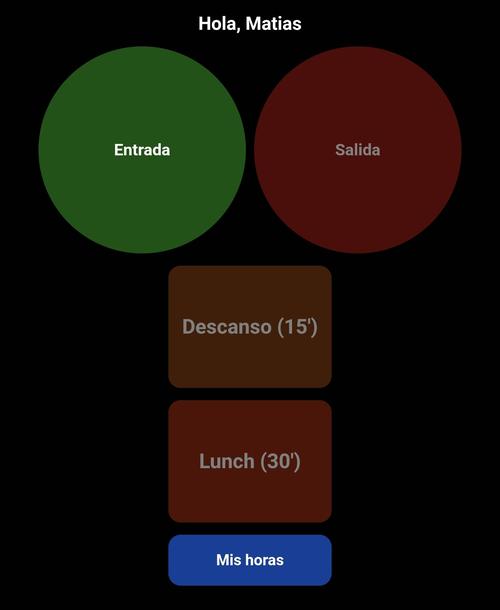
Every barber or employee gets their personal link. They save it to their home screen like any other app and can start clocking in or logging services — no install, no account, no password to remember.
- 4
Everything reaches you via Telegram
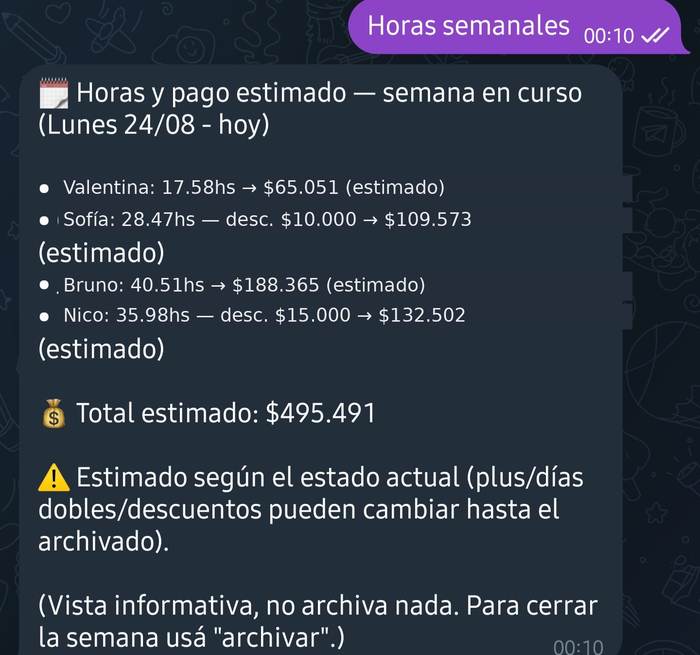
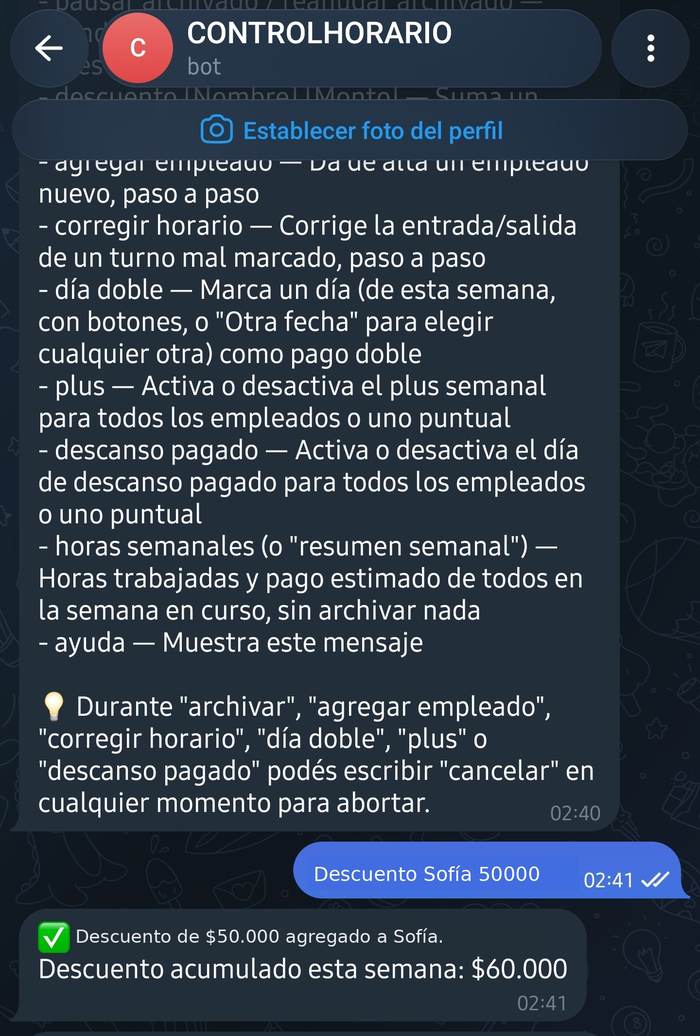
Daily closings, weekly summaries, payout reports — it all shows up in your chat, automatically. No new dashboard to learn.
See it in action
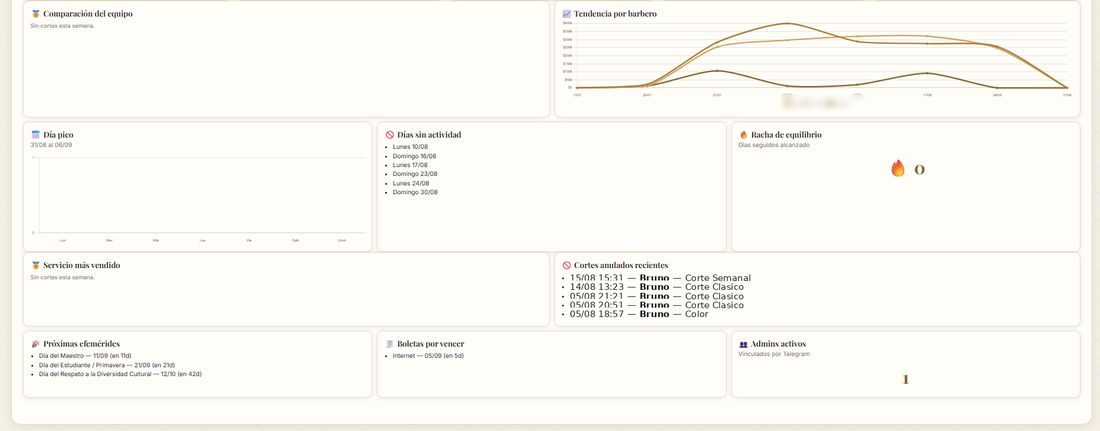
Real screenshots of the system
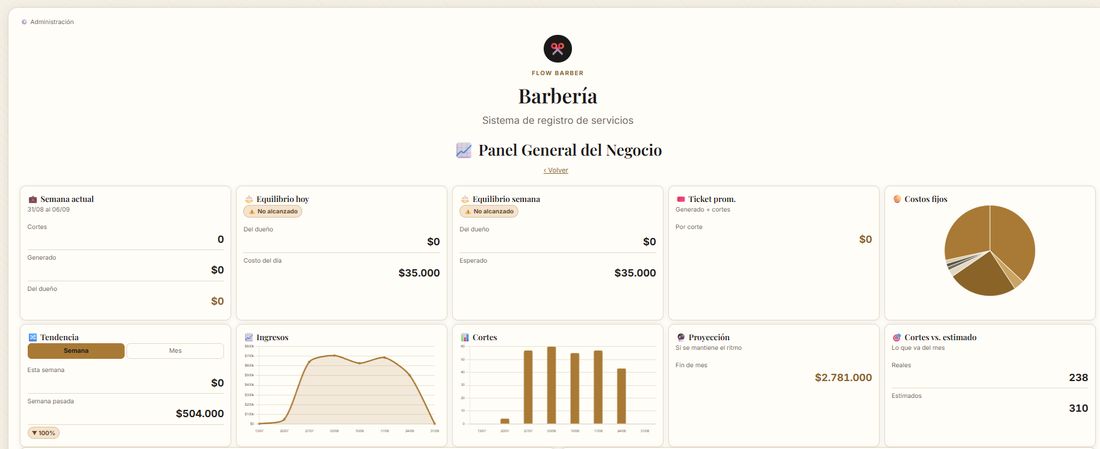
No mockups. This is the actual screen your team uses and how alerts reach you on Telegram (names changed as an example, to protect employee privacy).
Why trust this?
Let's be direct about it, because it's part of what makes us trustworthy: BarberFlow runs on Google Sheets and Google Apps Script, with Telegram as the notification and setup channel. It's not a native app with some exotic server of its own — and that's an advantage, not an excuse.
- Your data is yours. It lives in a Google spreadsheet, not on some startup's server that could disappear tomorrow.
- Zero installation. No app to download, update, or that one day stops working with your phone's next update.
- Stable technology. Google Sheets and Apps Script have been running for over a decade — not an experimental platform.
- Everything through a channel you already use. Telegram, not a new dashboard to learn.
Simple isn't the same as unserious. We chose this technical base because it's what actually serves you best: fast to set up, easy to understand, and not dependent on us staying in business for your data to still be there.
Your business has already lost enough money to mis-tracked hours and manual closings.
Start today — your Telegram bot handles the setup, not you.